Doula Website Template | Editable Canva Website for Birth & Postpartum Doulas
Original price was: $78.95.$39.98Current price is: $39.98.
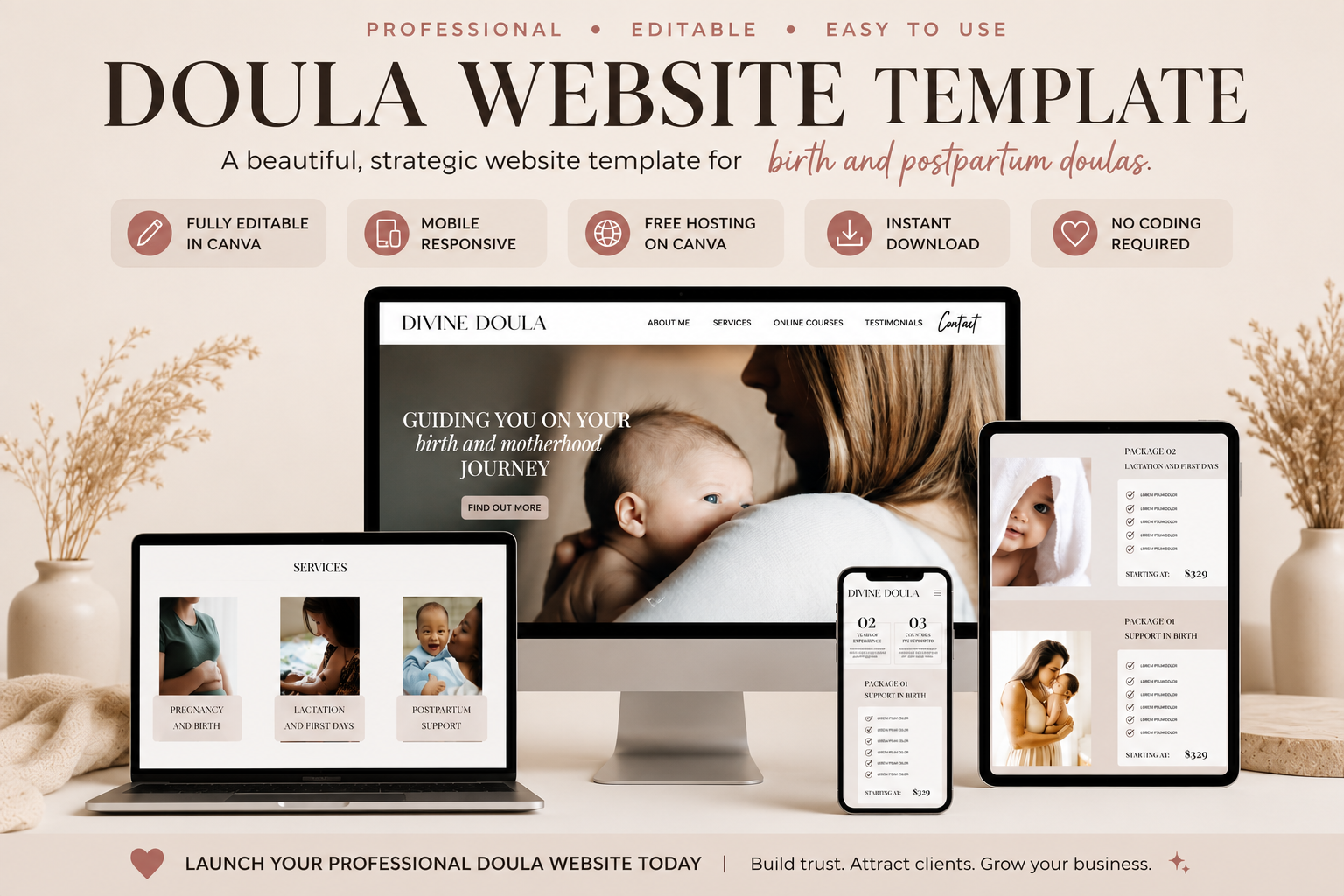
A professional doula website, without building one from scratch. This Canva website template is designed for birth and postpartum doulas who want a clear, polished place to share their services, packages and contact details, with no coding involved.
- ✔ Edit in Canva (Free or Pro)
- ✔ Publish for free on a Canva domain
- ✔ Adjusts automatically for mobile screens
- ✔ Instant digital access after purchase
- ✔ No coding required
Description
A doula website that looks as professional as your support
Families often look you up before they ever send a message. This doula website template gives you a calm, clear place to introduce yourself, explain your services and make it easy to book a consultation, without hiring a designer or learning code.
It’s built in Canva, so you edit it the same way you’d edit any Canva design: change the words, swap in your photos, adjust your colors and publish.
Who is this doula website template for?
- Birth doulas, postpartum doulas and doulas who offer both
- New doulas who need a website before their first clients
- Doulas who already have a social media presence and want one link to send families to
- Doulas who’d rather spend their time with clients than on website design
What’s included
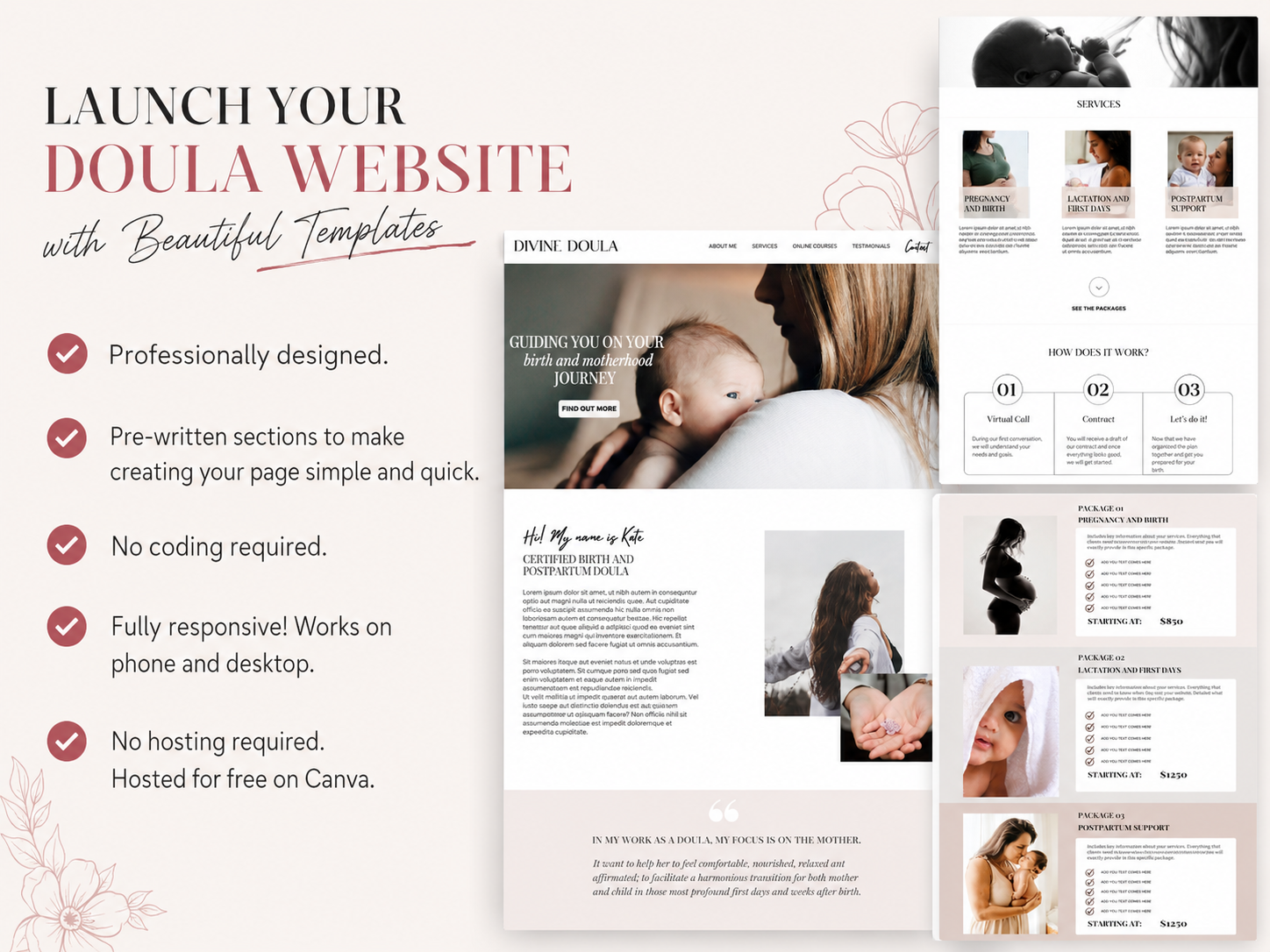
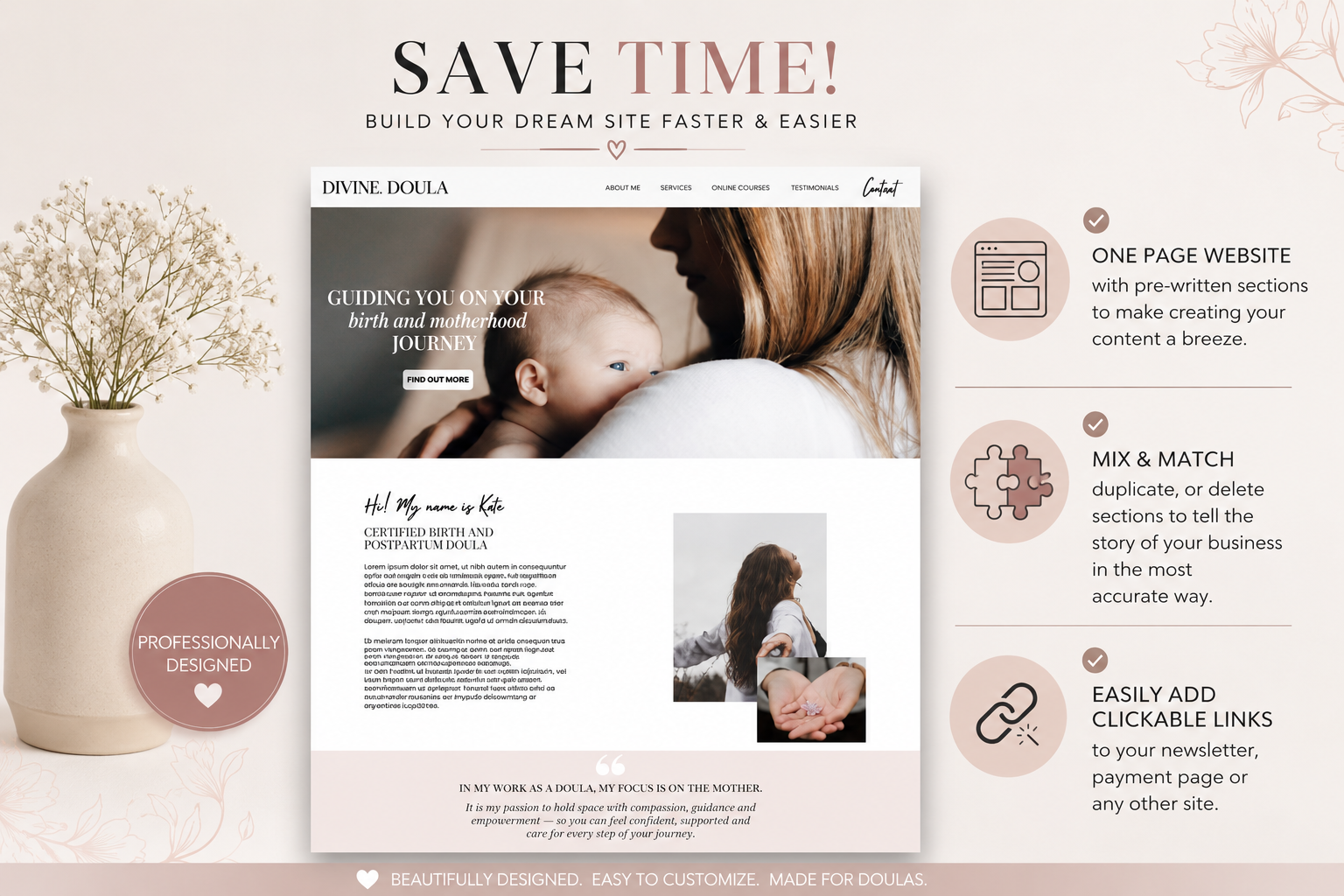
- Homepage ready to customize
- About section
- Services section
- Package pricing section
- Testimonials section
- Contact section
- Social media links
Make it yours
- Upload your own photos
- Edit every heading and paragraph
- Change fonts and colors to match your brand
- Add, remove, move and resize sections
- Add clickable links, such as your booking page or Instagram
- Customize your service packages
No design skills are required.
How it works
- Purchase the template.
- Get instant access to your Canva template link.
- Open it in Canva and make a copy.
- Add your text, photos, services and prices.
- Publish your website and share your link.
Canva Free or Canva Pro: what you can do
| Feature | Canva Free | Canva Pro |
|---|---|---|
| Edit this template | Yes | Yes |
| Publish on a free Canva domain (my.canva.site) | Yes | Yes |
| Connect a domain you already own | No | Yes |
| Automatically adjust for mobile screens | Yes | Yes |
Canva’s features and plans can change. Check Canva’s Help Center for the latest details.
Frequently asked questions
Do I need to know how to code?
No. Everything is edited inside Canva.
Do I need Canva Pro?
No. You can edit and publish the website with a free Canva account. Canva Pro is only needed for some extras, such as connecting a domain you already own.
Do I need to pay for hosting?
No. Canva lets you publish your website for free on a Canva domain (my.canva.site).
Can I use my own domain name?
Yes, with a paid Canva plan. According to Canva, connecting a domain you already own is available on Canva Pro, Teams, Business and Education plans.
Will my website work on phones?
Yes. Canva websites include a setting that automatically adjusts your design for mobile screens. Preview your site on mobile before you publish.
Can Google find my Canva website?
Canva lets you set a page title and description for search engines and choose whether your site is visible to them. It offers fewer SEO tools than a full website platform like WordPress, so it works best as a simple, professional home for your doula business.
Important information
- This is a Canva website template, not a custom-built or WordPress website.
- Digital product only. No physical item will be shipped.
- Photos, text and prices shown are placeholders. Replace them with your own.
Pair it with your client paperwork
Your website is often the first step in a family’s experience with you. If you’d like the documents that come next to look just as consistent, the Full Spectrum Doula Business Bundle brings birth and postpartum contracts, intake forms, welcome materials and invoice templates together in Canva.
For ideas on what to say on your website and how families find you, read how to market your doula business online and how to get your first doula client.
Related products
-
Sale!
Pregnancy Milestone Cards Bundle
Original price was: $9.99.$5.98Current price is: $5.98. -
Sale!
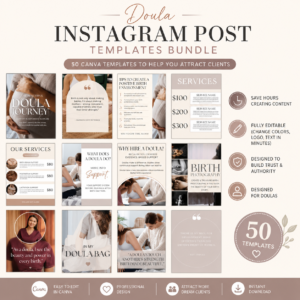
Doula Instagram Post Templates Bundle | 50 Editable Canva Social Media Templates
Original price was: $15.99.$9.98Current price is: $9.98. -
Sale!
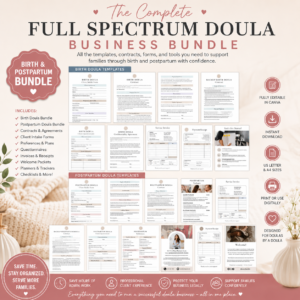
Full Spectrum Doula Business Bundle, Complete Birth & Postpartum Support Toolkit with Editable Canva Templates
Original price was: $78.95.$35.98Current price is: $35.98. -
Sale!
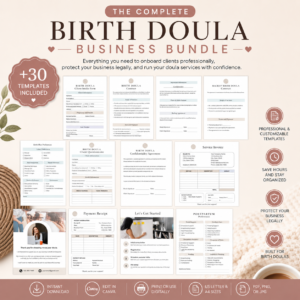
Birth Doula Business Bundle | 30+ Editable Templates, Contracts & Client Forms
Original price was: $39.98.$19.99Current price is: $19.99.